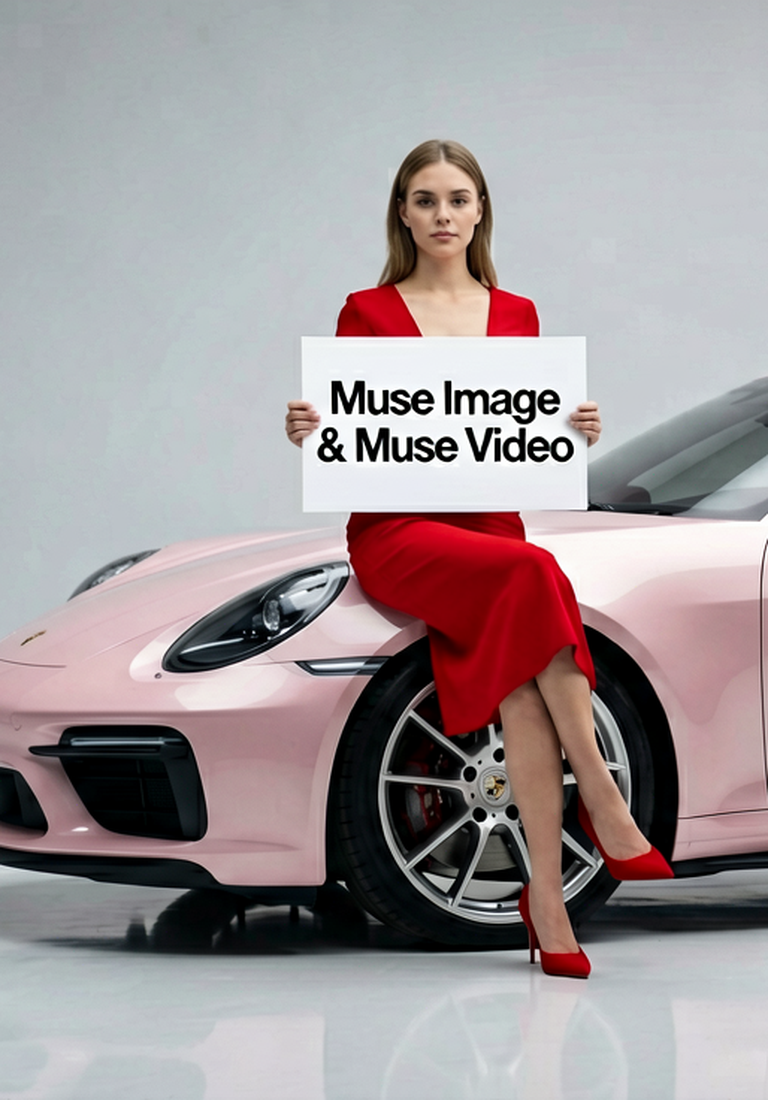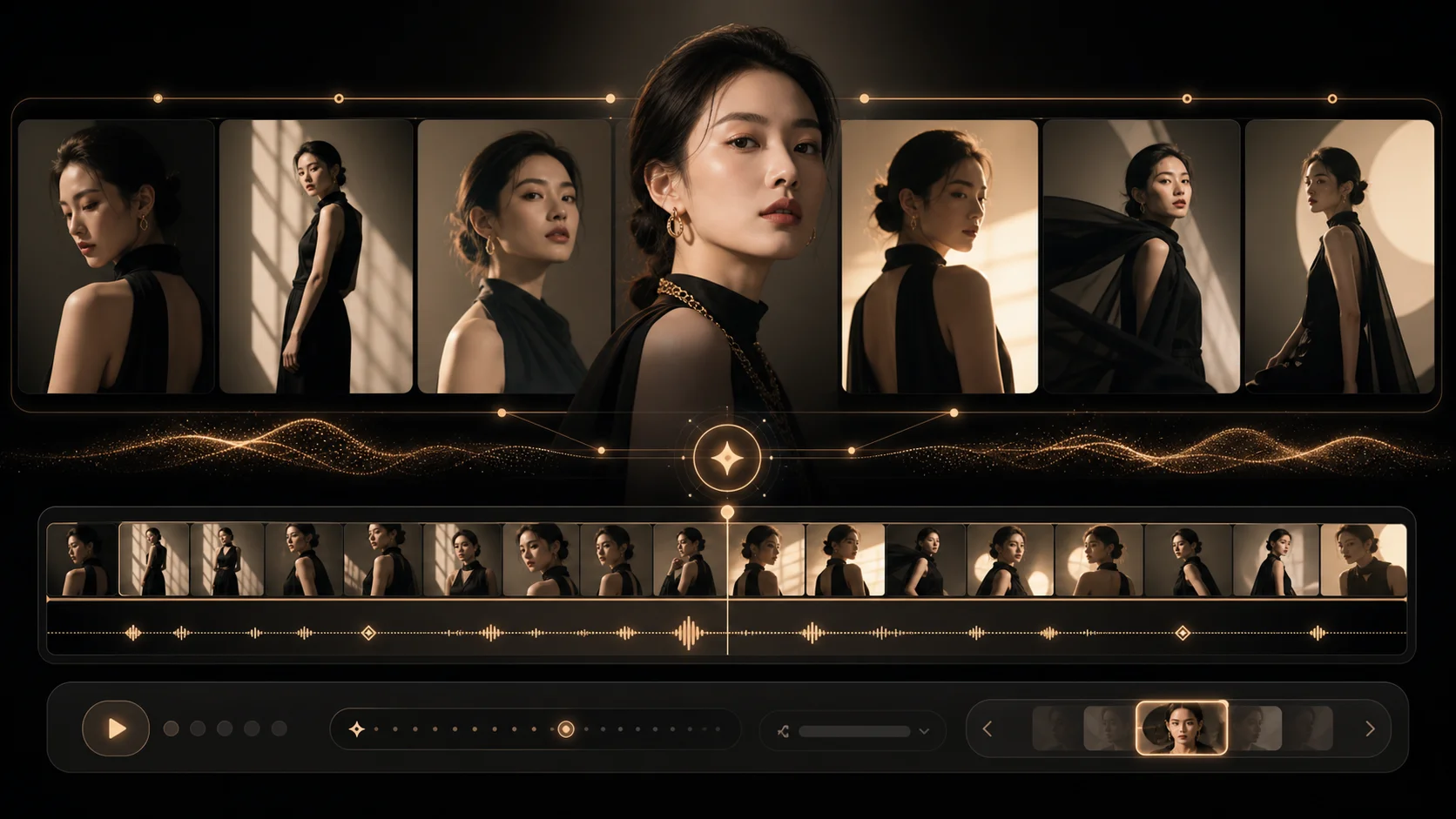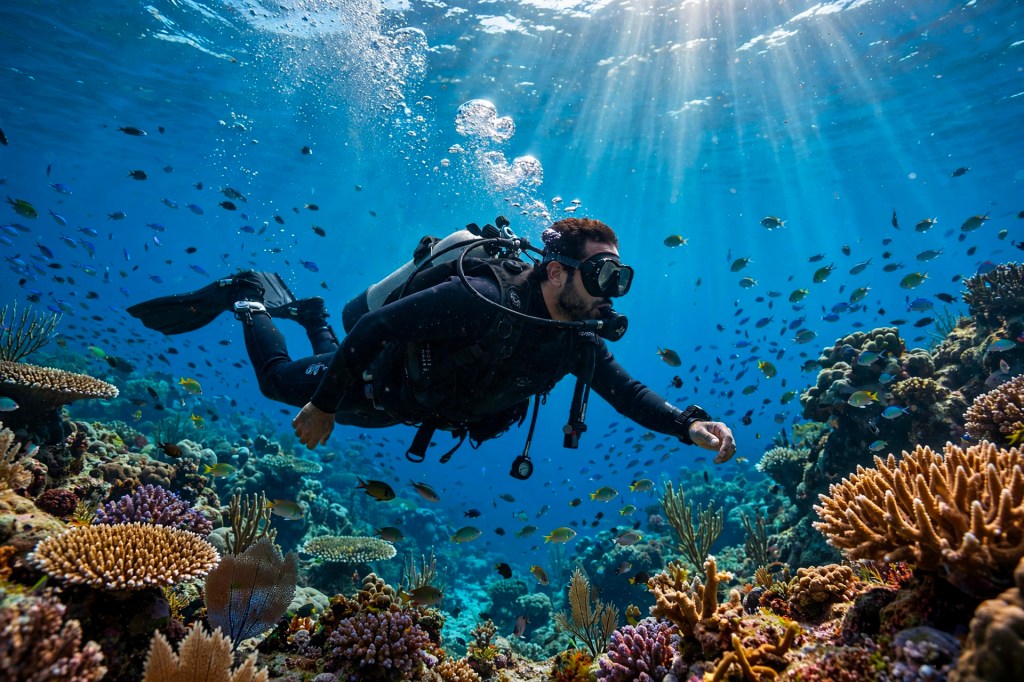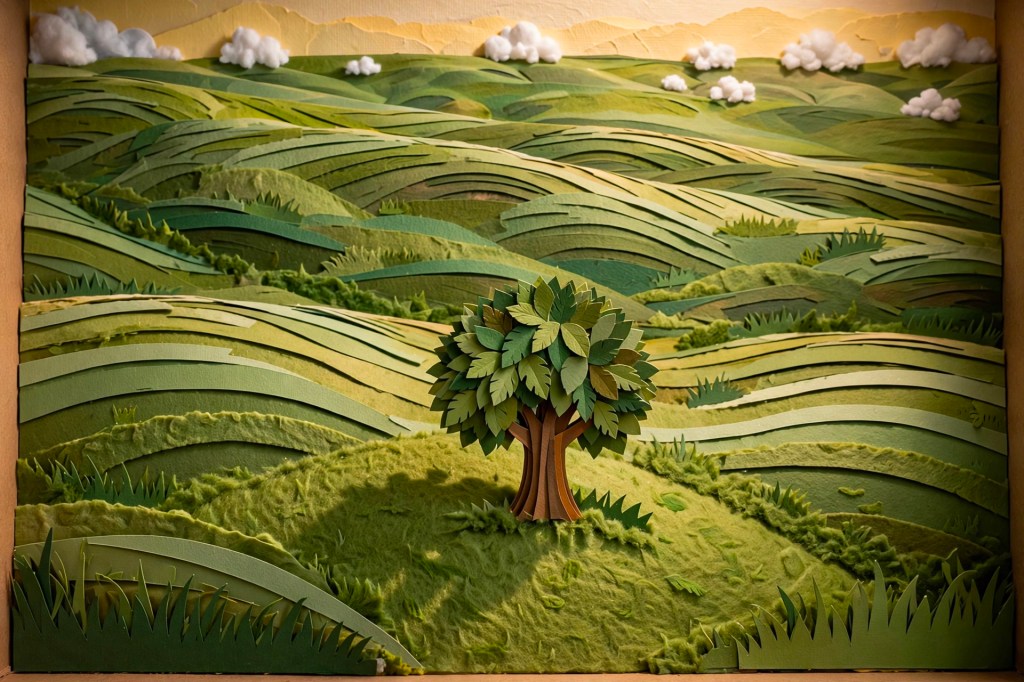
Muse Image & Muse Video creative studio
Muse Image & Muse Video creation hub

Muse Image & Muse Video
Generator Online

Create AI images, edit references, draft text-to-video prompts, and animate image-to-video ideas while Muse Image and Muse Video work in one studio.

Disclaimerimagemuse.net is independently operated and is not affiliated with Meta or any other brand.

Text to Image

Create visual references for Muse Video-style scenes before turning them into motion.

Muse Imagev
0 chars
Available Credits
50
UI & Graphic

Example Gallery

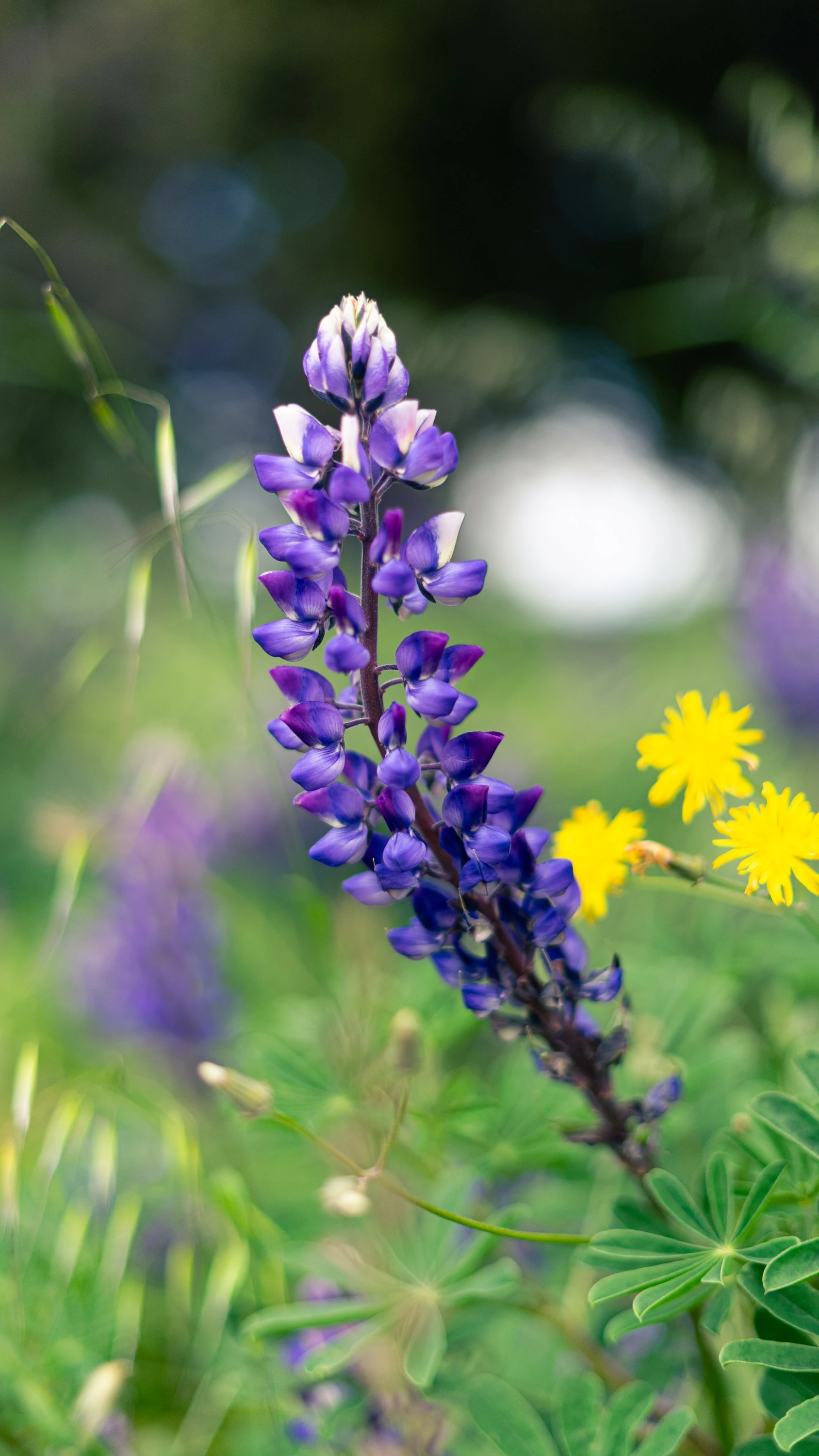
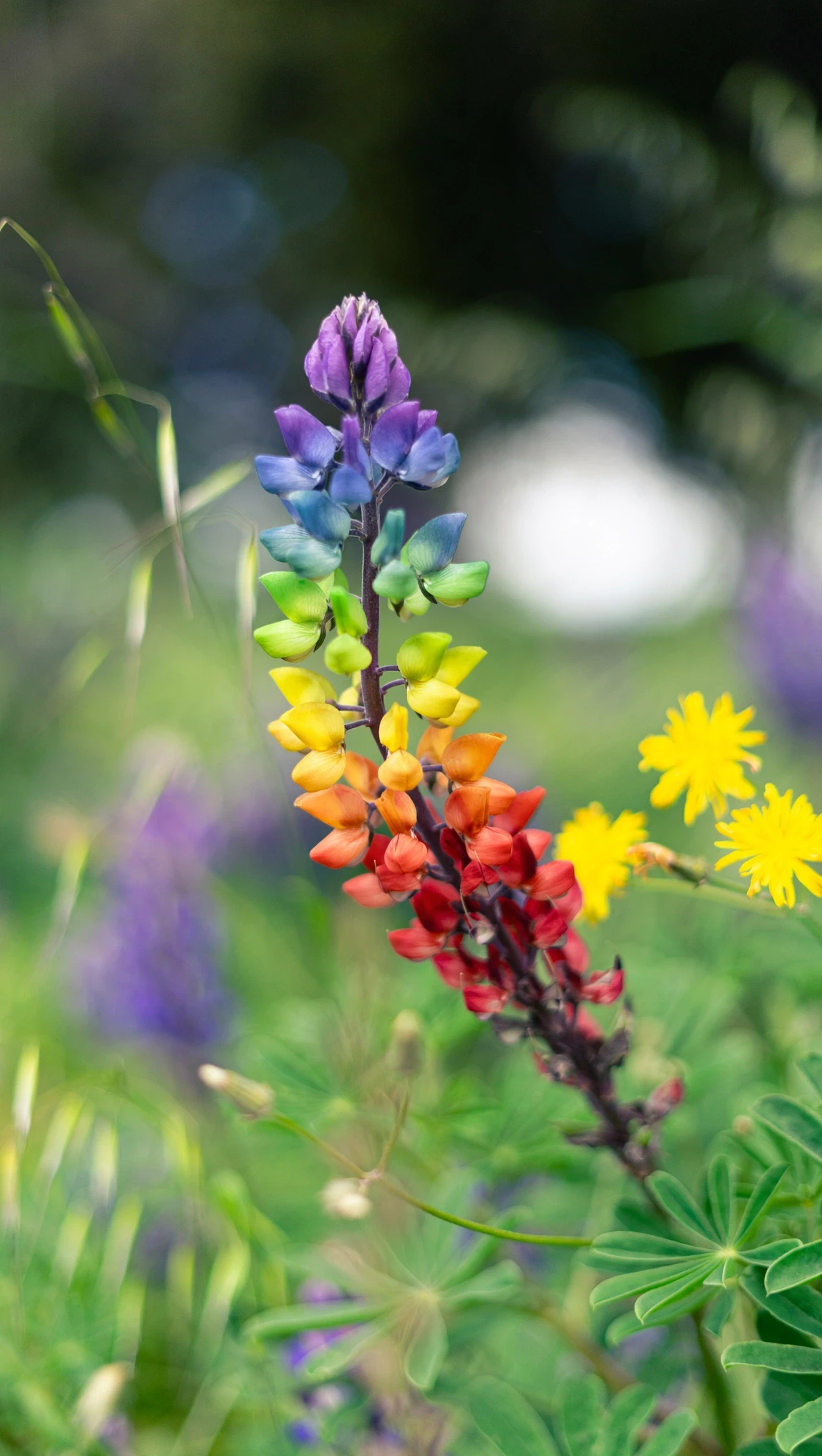
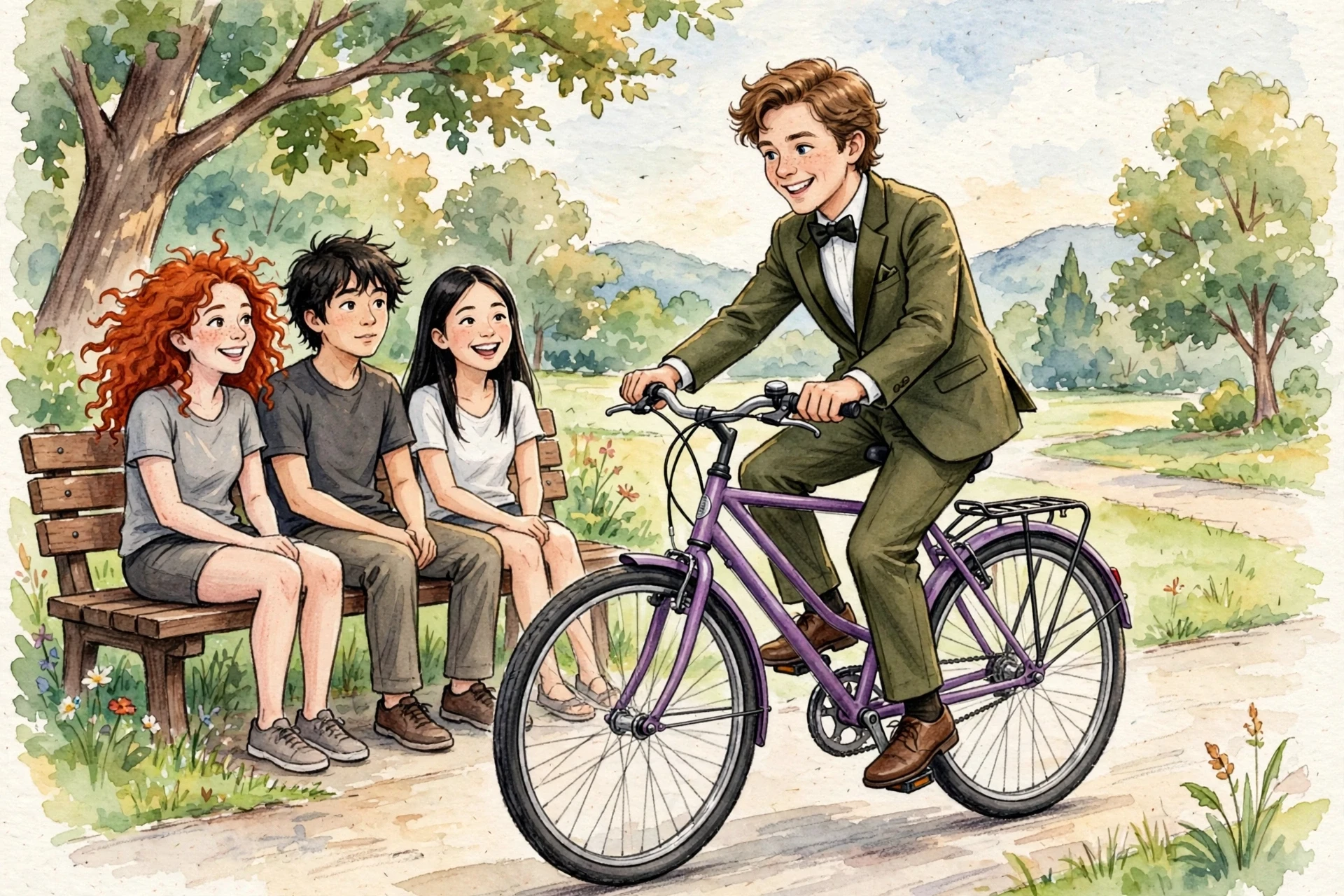
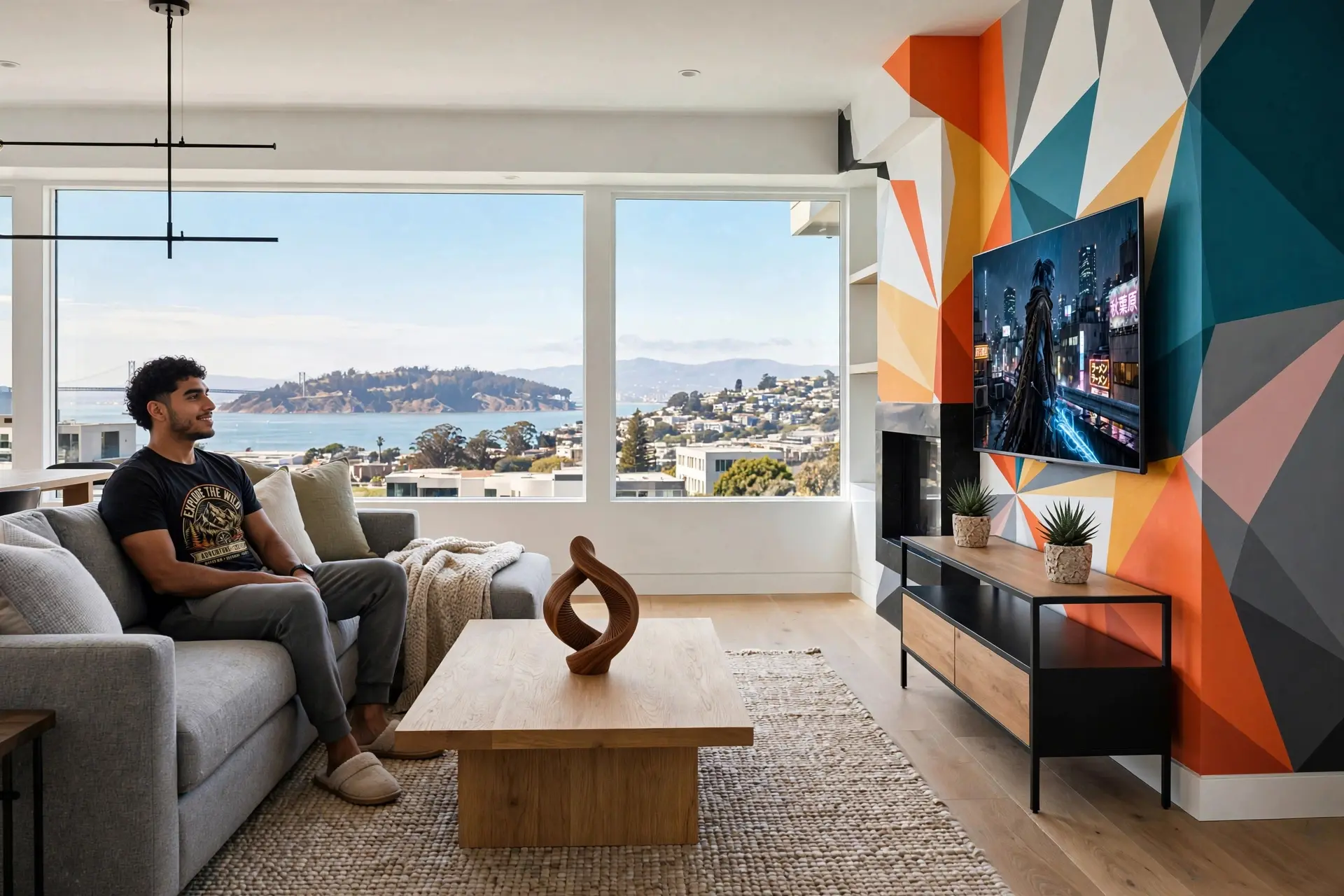
See sample outputs for Text to Image in the Muse workspace

Create with Muse Image and Muse Video

One Image Muse and Video Muse workspace for image generation, image editing, text-to-video, and image-to-video creation.

Muse Image Text to Image

Use Muse Image to turn prompts into cinematic reference frames for brand, product, and story concepts.

Image Muse Editing

Upload a reference and restyle it with Image Muse before moving into video.

Muse Video Text to Video

Use Muse Video to generate motion from scene, mood, and camera prompts.

Video Muse Image to Video

Animate uploaded frames into polished short-form Video Muse outputs.

Credits System

Every generation uses credits, so pricing stays simple and transparent.

Download Ready

Preview the generated image or video beside the form and download it immediately.

What is Muse Image & Muse Video?

A multimodal AI creation workspace built around two clear model routes: Muse Image for still visuals and Muse Video for motion, also discoverable as Image Muse and Video Muse workflows.

Muse Image Generator

Create text-to-image references, product visuals, posters, social assets, and editable image concepts with Image Muse.

Muse Video Generator

Turn prompts or reference images into cinematic Video Muse drafts for campaigns, explainers, and short-form content.

Four Creation Modes

Text to Image, Image to Image, Text to Video, and Image to Video are available from one unified studio.

Inspiration Gallery

Browse rotating MeiGen-powered prompt examples before generation, then compare them with your own outputs.

Instant Output Preview

Generated images and videos appear in the right-side preview panel as soon as tasks complete.

Download Ready

Download generated images, video drafts, or inspiration examples directly from the preview panel.

How to create with Muse

Move from prompt idea to finished image or video draft without switching tools.

Choose a Route

Select Muse Image for image outputs or Muse Video for video outputs based on your selected mode.

Write or Borrow a Prompt

Start from your own brief or use gallery inspiration to shape camera, style, lighting, and motion cues.

Generate with Credits

Each mode has a clear credit cost, so teams can plan experiments and production runs transparently.

Review and Download

Preview generated outputs beside the form, browse alternatives, and download the media you want to keep.

Use cases for AI image and video teams

Muse Image and Muse Video are designed for creators who need fast visual exploration and usable production drafts.

Social Video Creators

Draft TikTok, Reels, Shorts, and launch hooks with text-to-video and image-to-video workflows.

Product Marketers

Generate product visuals, hero frames, launch teasers, and motion concepts before production.

Prompt Designers

Build reusable image and video prompt patterns from proven gallery references.

Creative Agencies

Explore client concepts quickly, compare directions, and download drafts for stakeholder review.

Frequently Asked Questions

Everything you need to know before creating with Muse.


Start creating with Muse

Generate cinematic images and videos from one focused workspace.