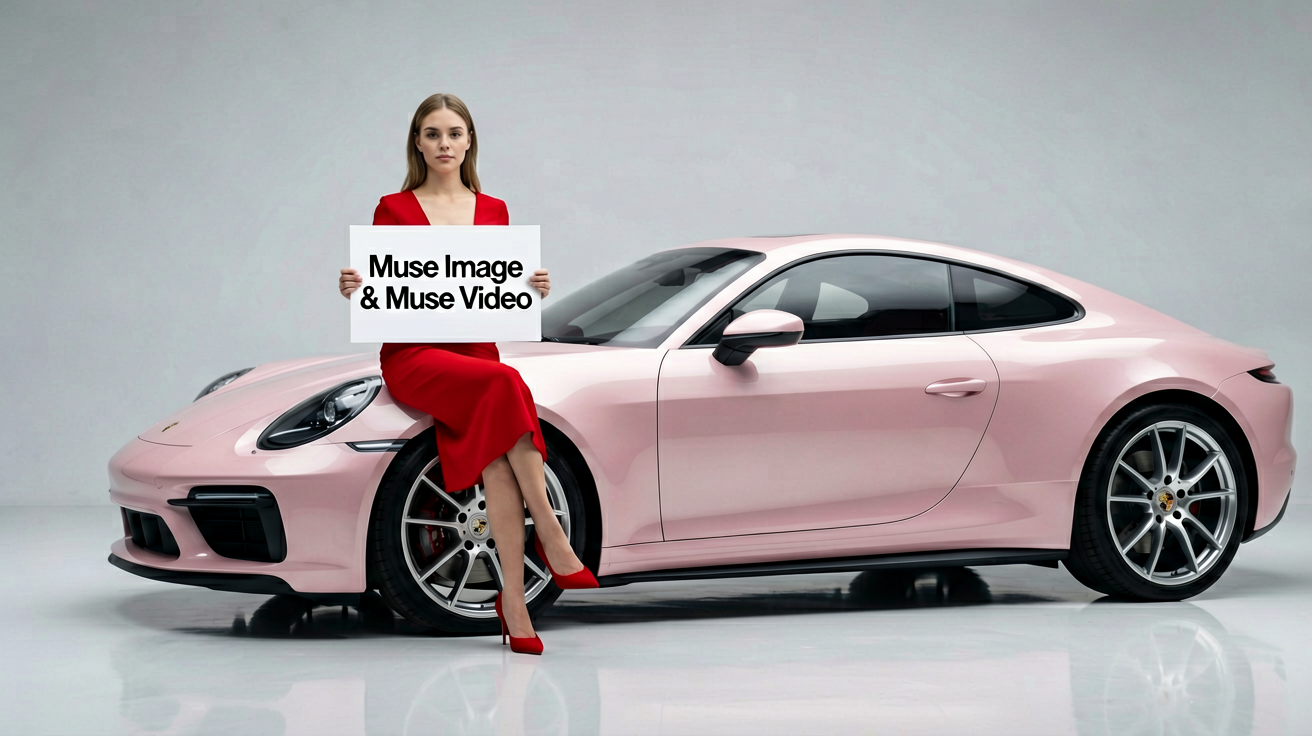
Follow detailed direction
Meta positions Muse Image around faithful prompt following and precise image editing for more controlled visual exploration.
Meta AI guide
A practical overview of Meta's latest Muse media models, followed by a place to turn your own creative brief into an image or video draft.
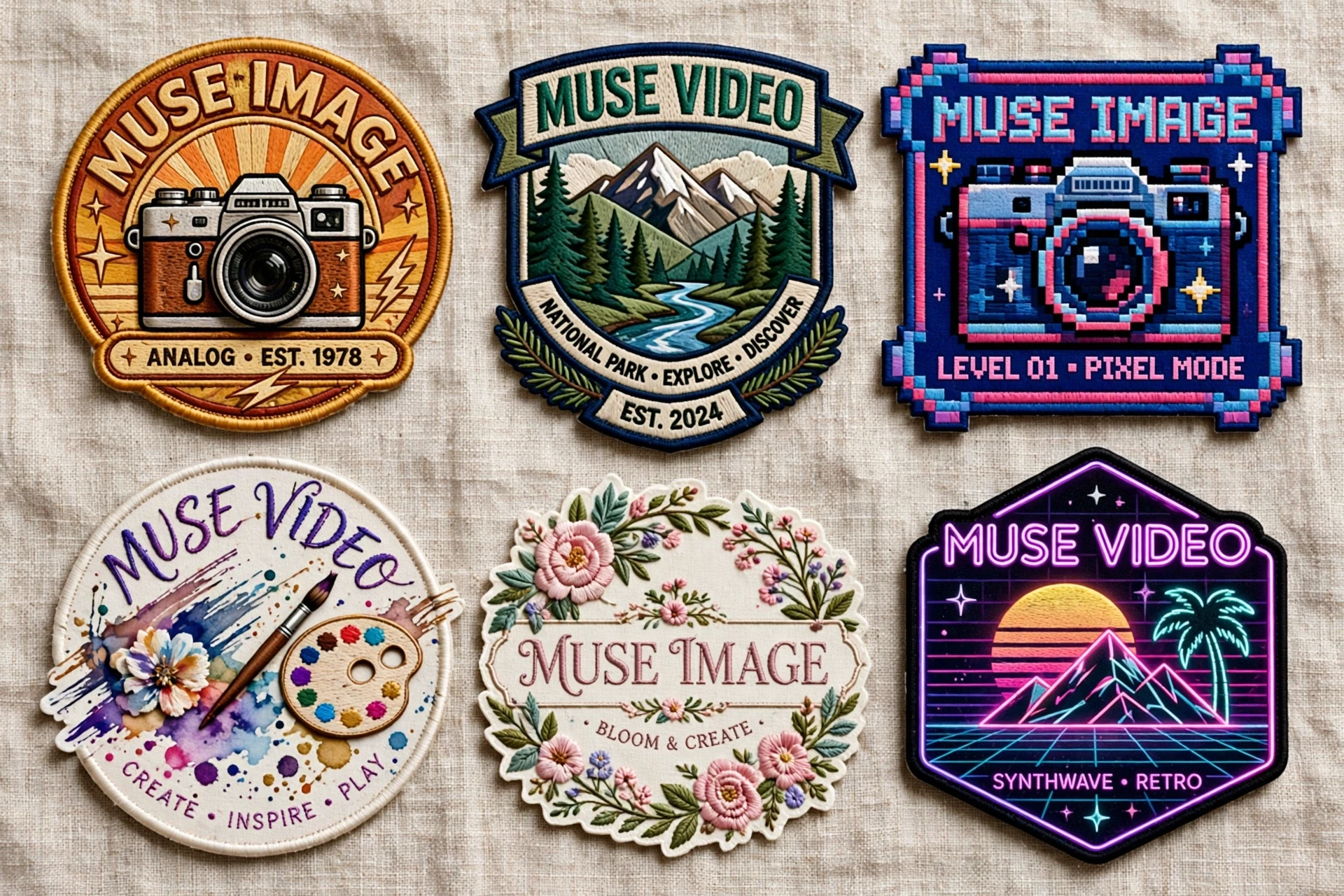
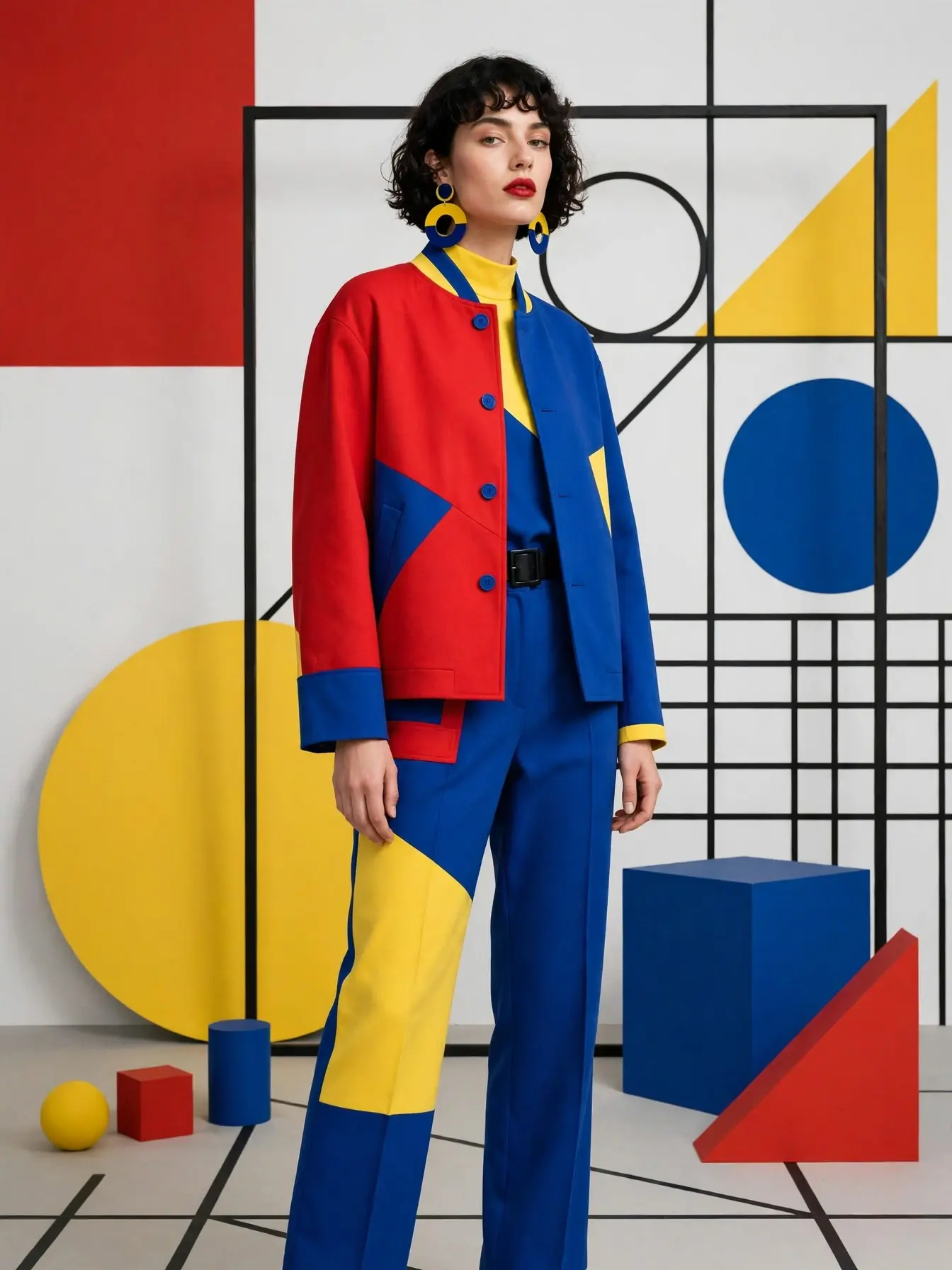
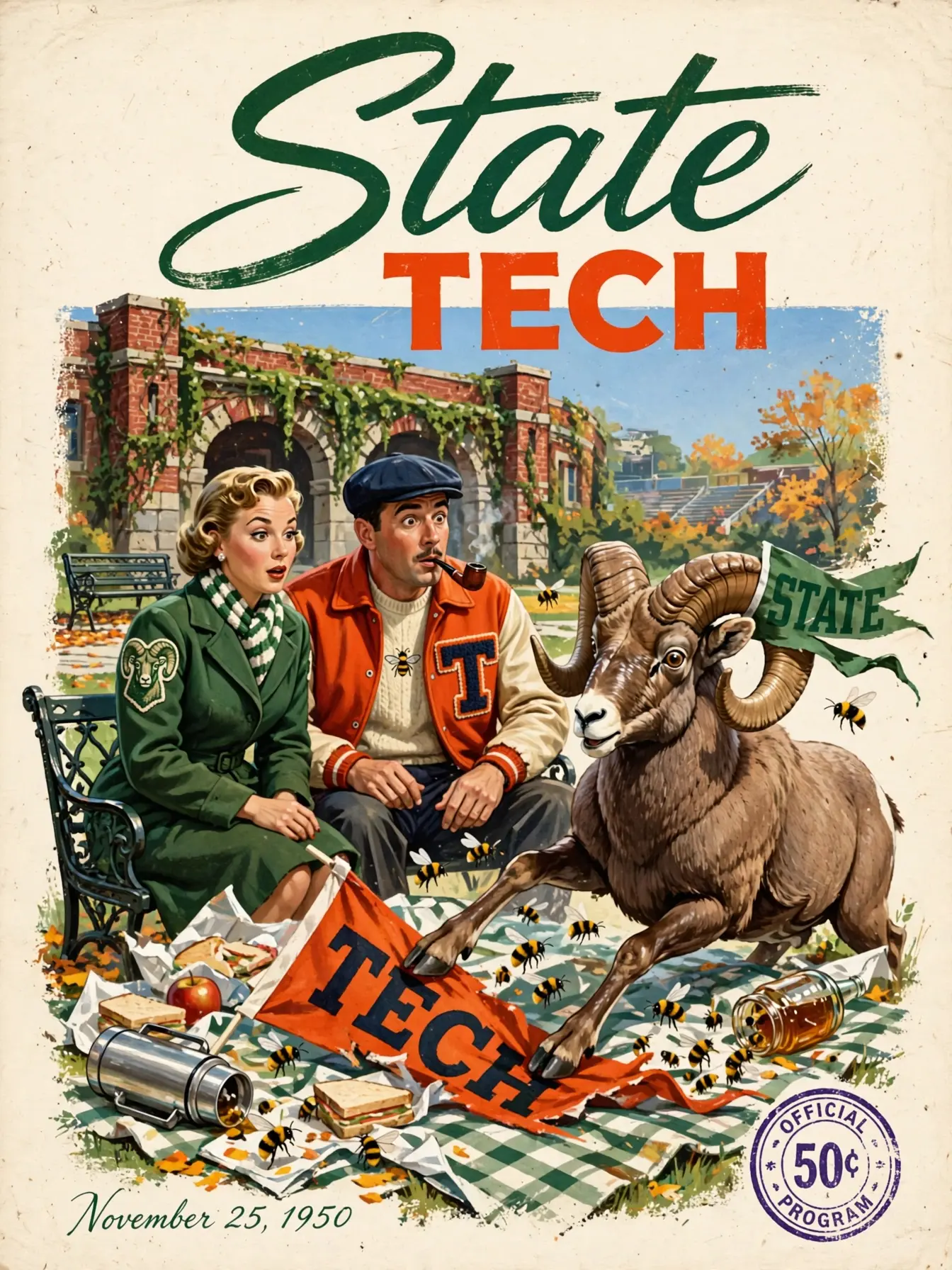
ImageMuse is independently operated and is not affiliated with, endorsed by, or an official Meta AI product.
What Meta announced
Meta describes Muse Image as an advanced image model and previews Muse Video as a companion video model. The announcement focuses on following creative direction, working from references, and improving media through tools.
Meta positions Muse Image around faithful prompt following and precise image editing for more controlled visual exploration.
The release highlights multi-reference composition, useful when a brief needs a subject, style, layout, and source imagery to work together.
Muse Video is presented as a companion model built for visual fidelity and native audio, with broader creator availability planned by Meta.
Official examples
These locally cached examples come from Meta's official Muse announcement. They show how a specific visual brief can move between editorial design, fashion direction, illustration, and factual poster work.
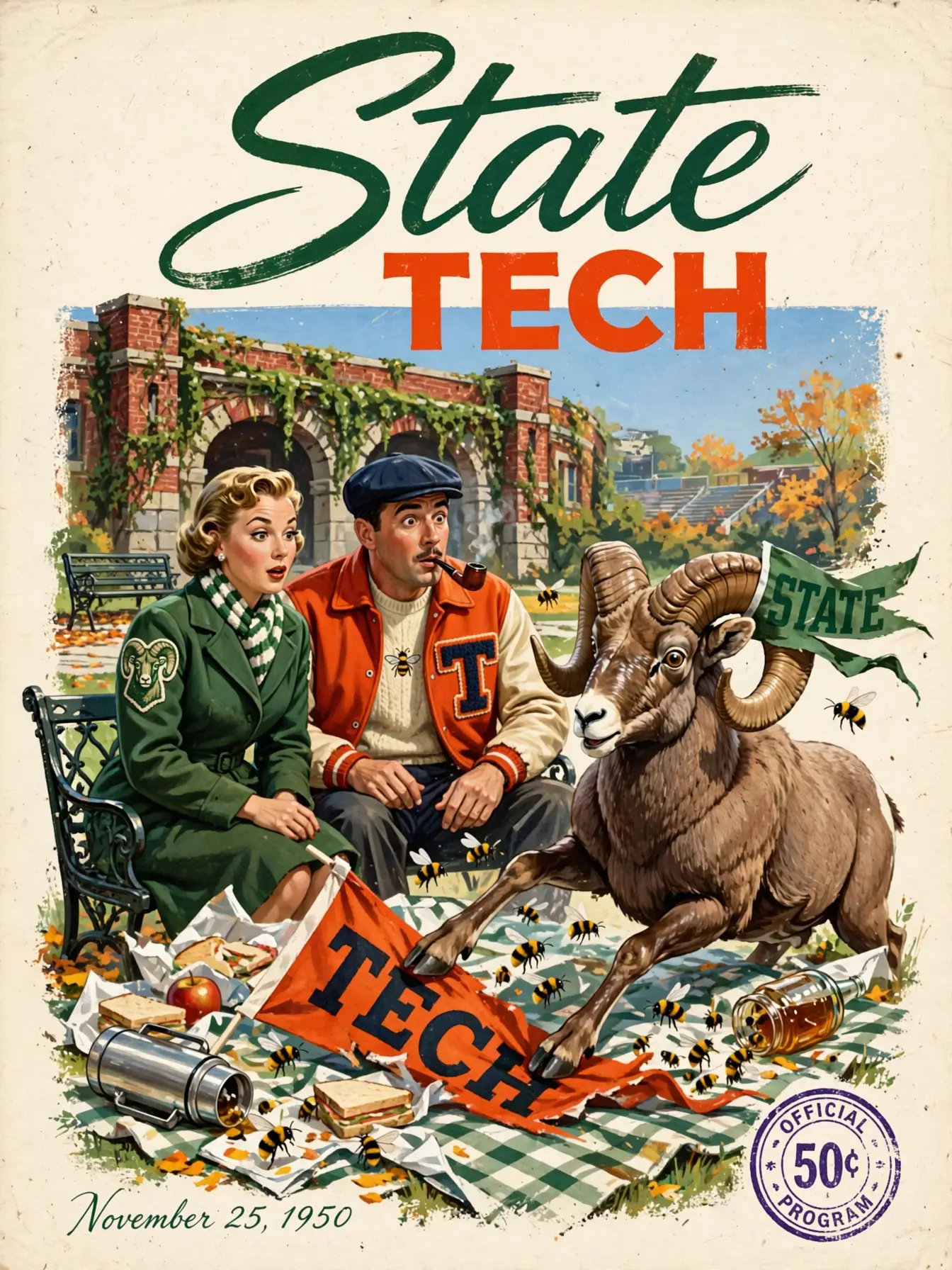
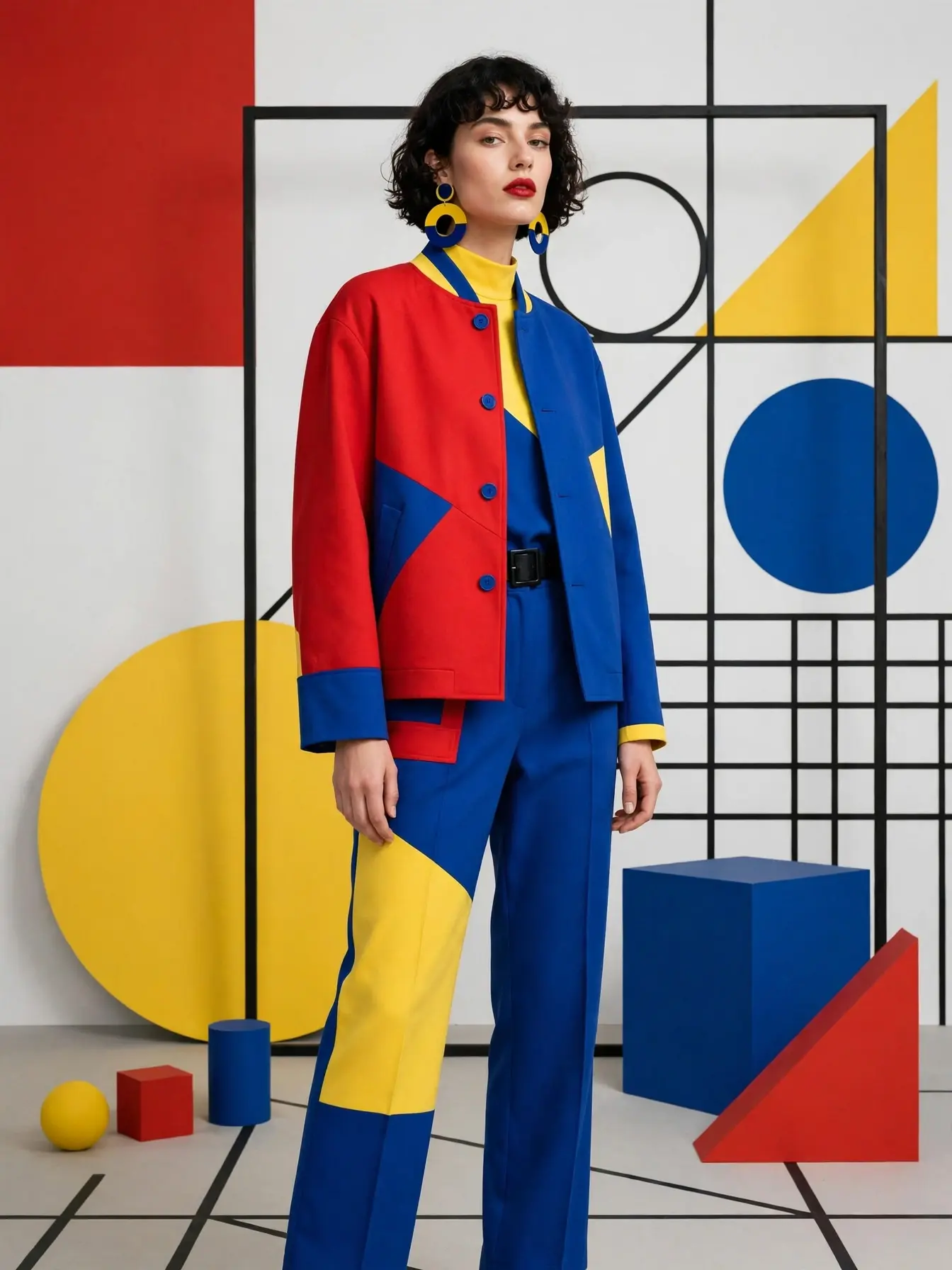
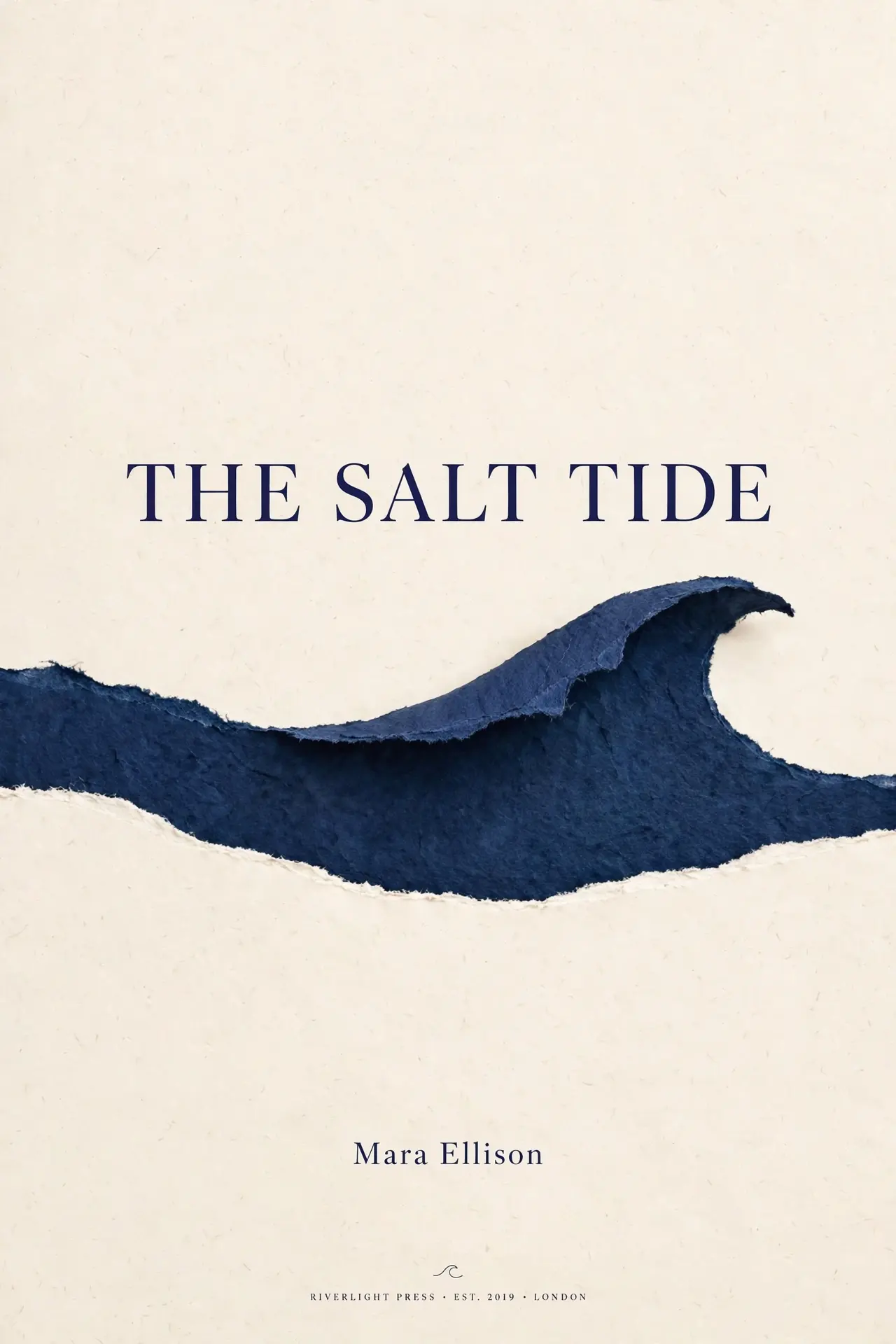
Source: Meta AI, Introducing Muse Image and Muse Video
Official Muse showcase
Explore locally cached media from Meta's Muse announcement: controlled image edits, multi-reference composition, and three very different video directions.
Drag each divider to compare the supplied image with Meta's demonstrated edit.
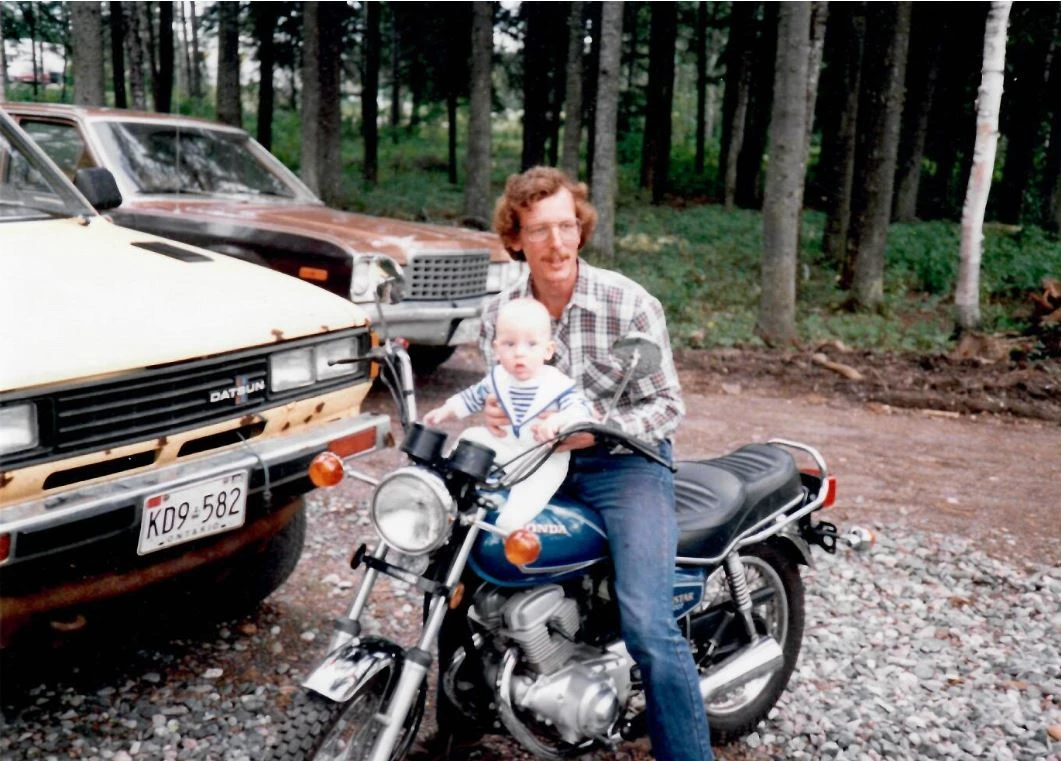
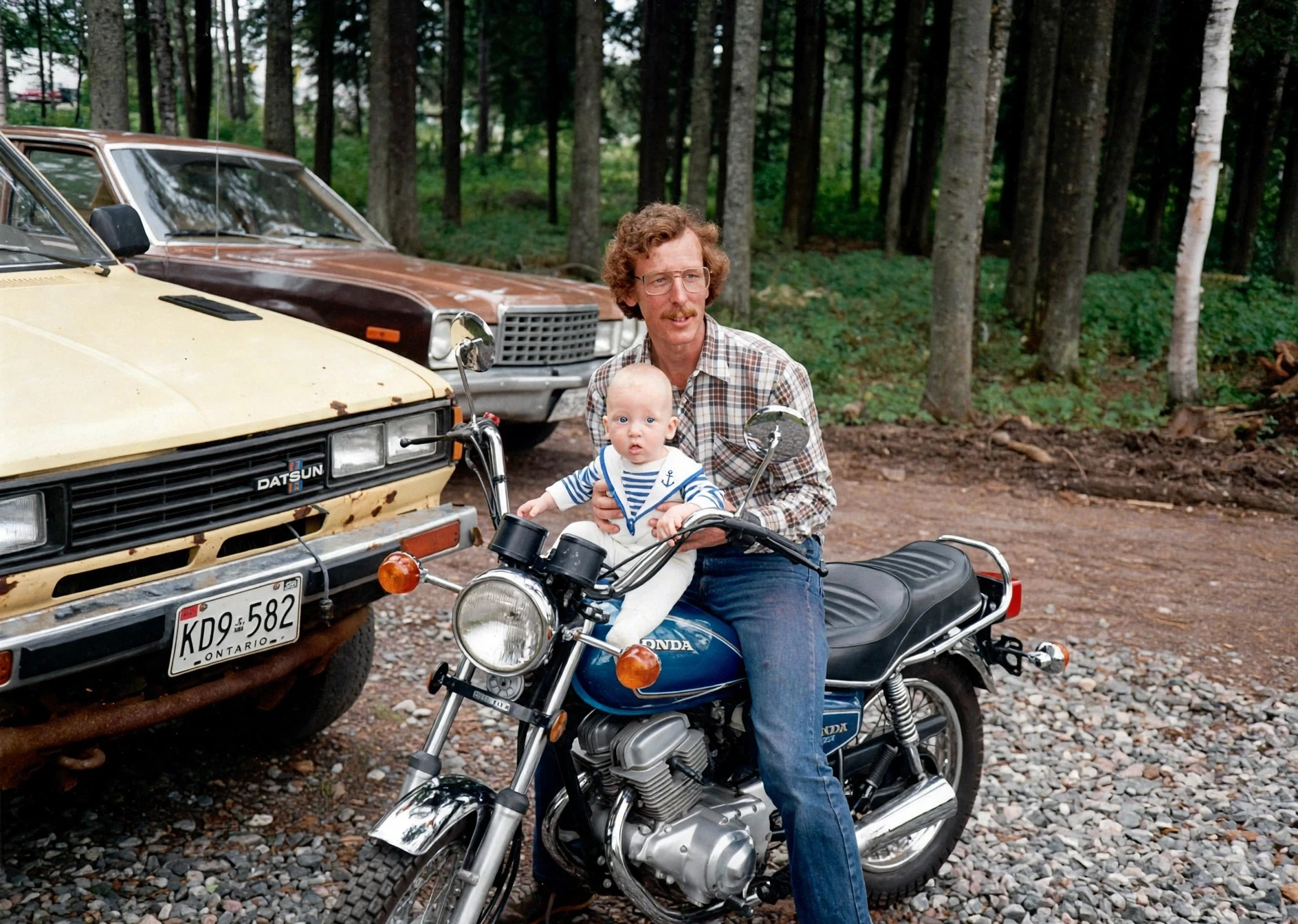
A preservation-focused edit that repairs age damage while retaining the original portrait and photographic character.
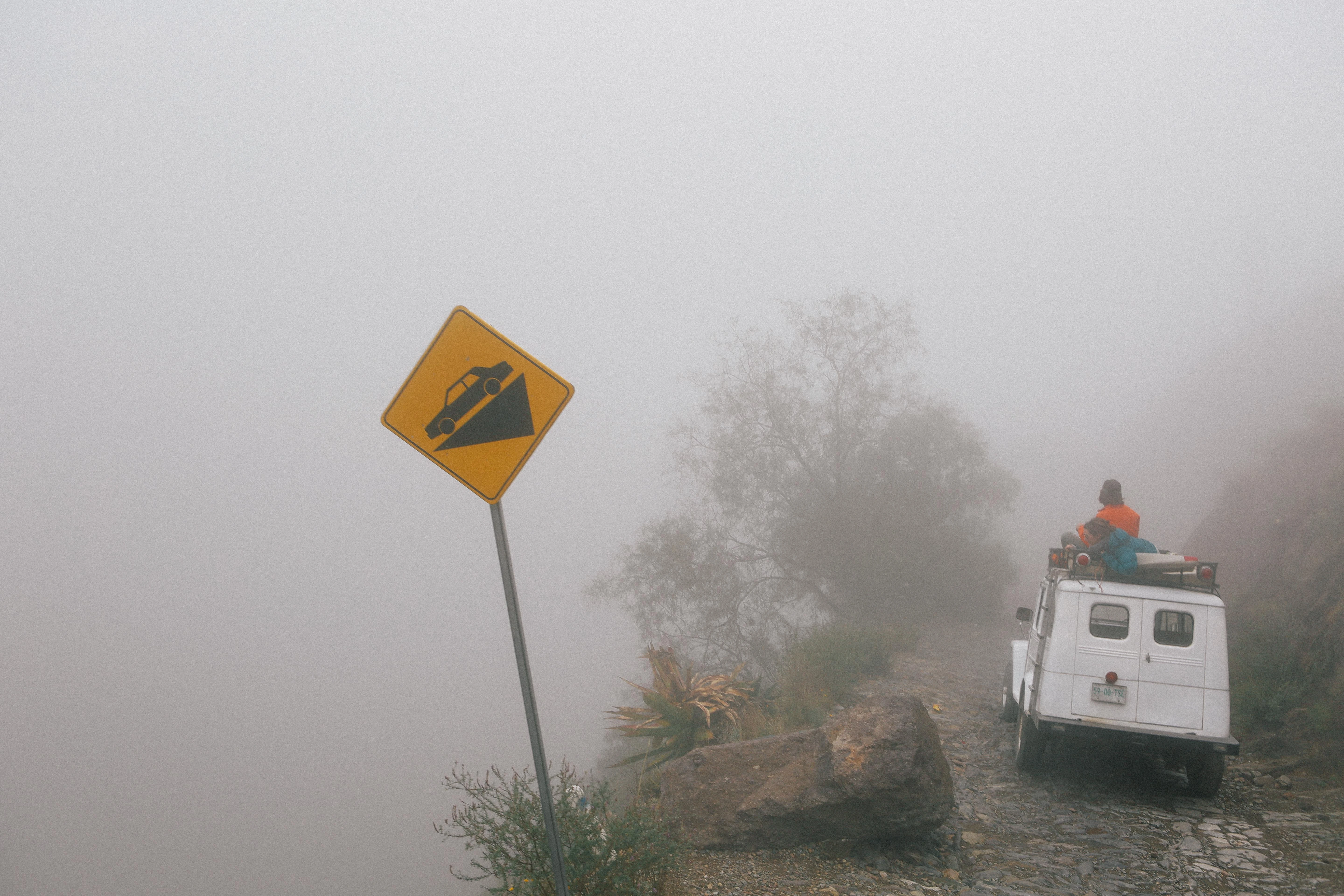
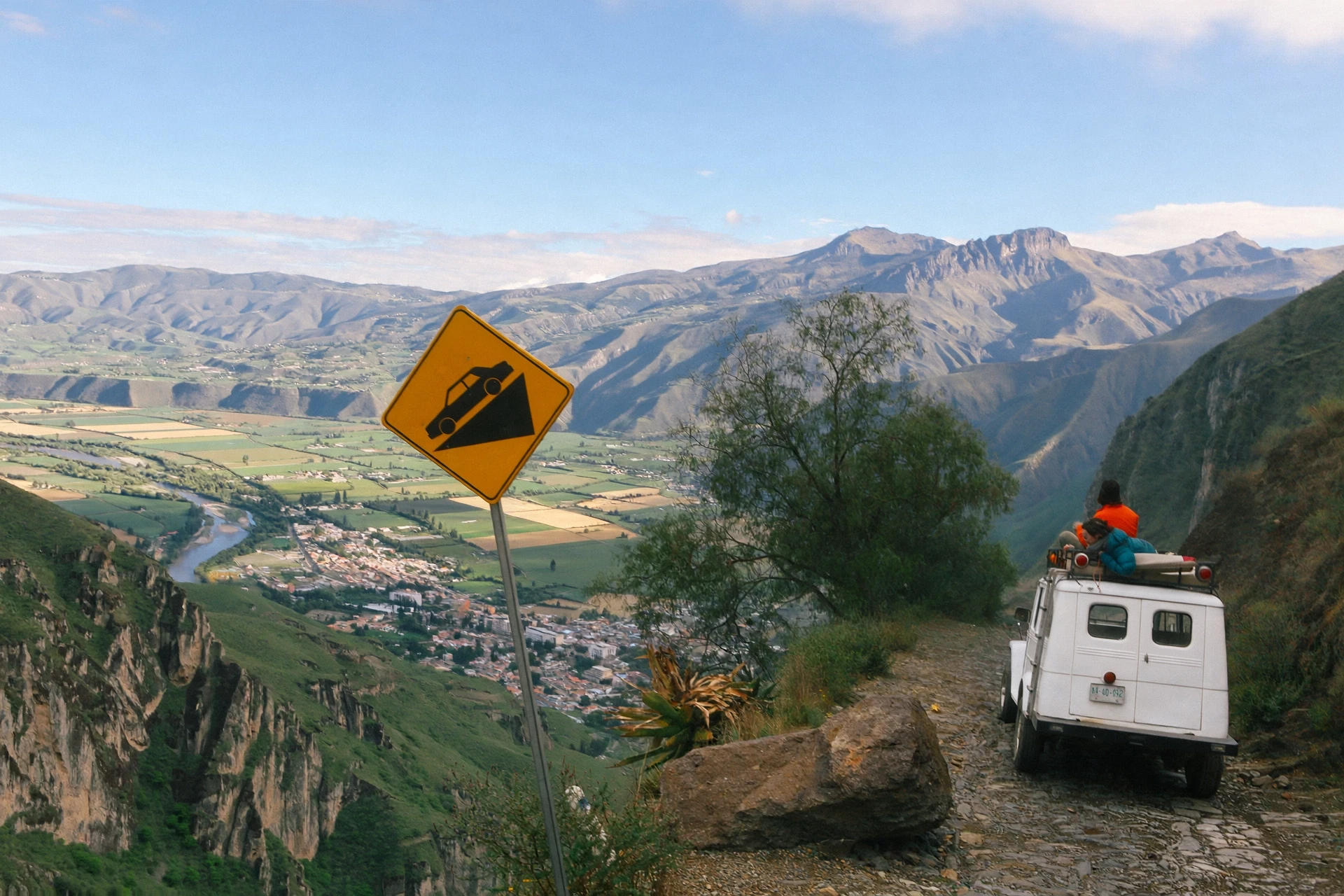
A scene-level edit that lifts dense fog and reveals the landscape without changing the underlying composition.
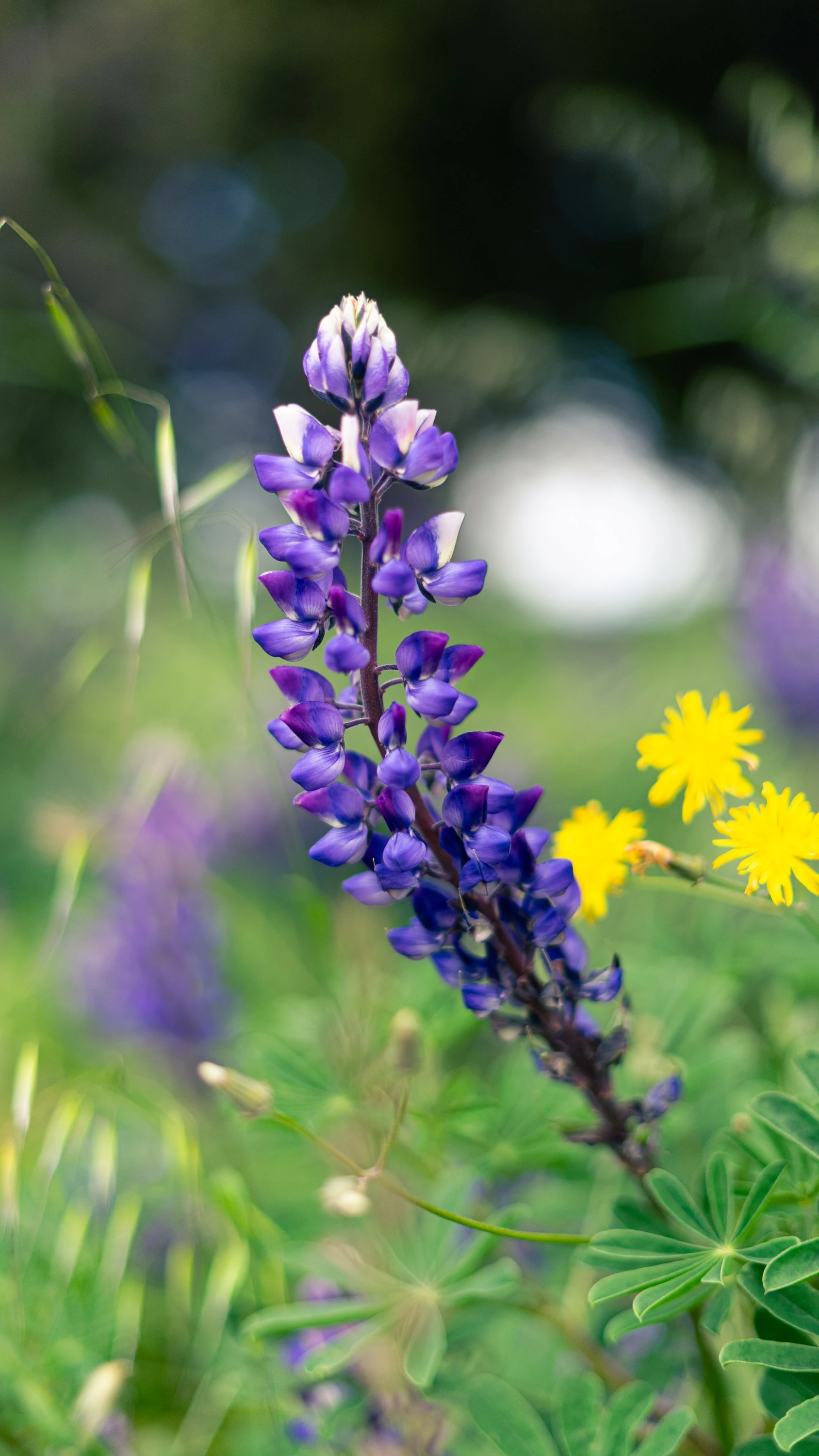
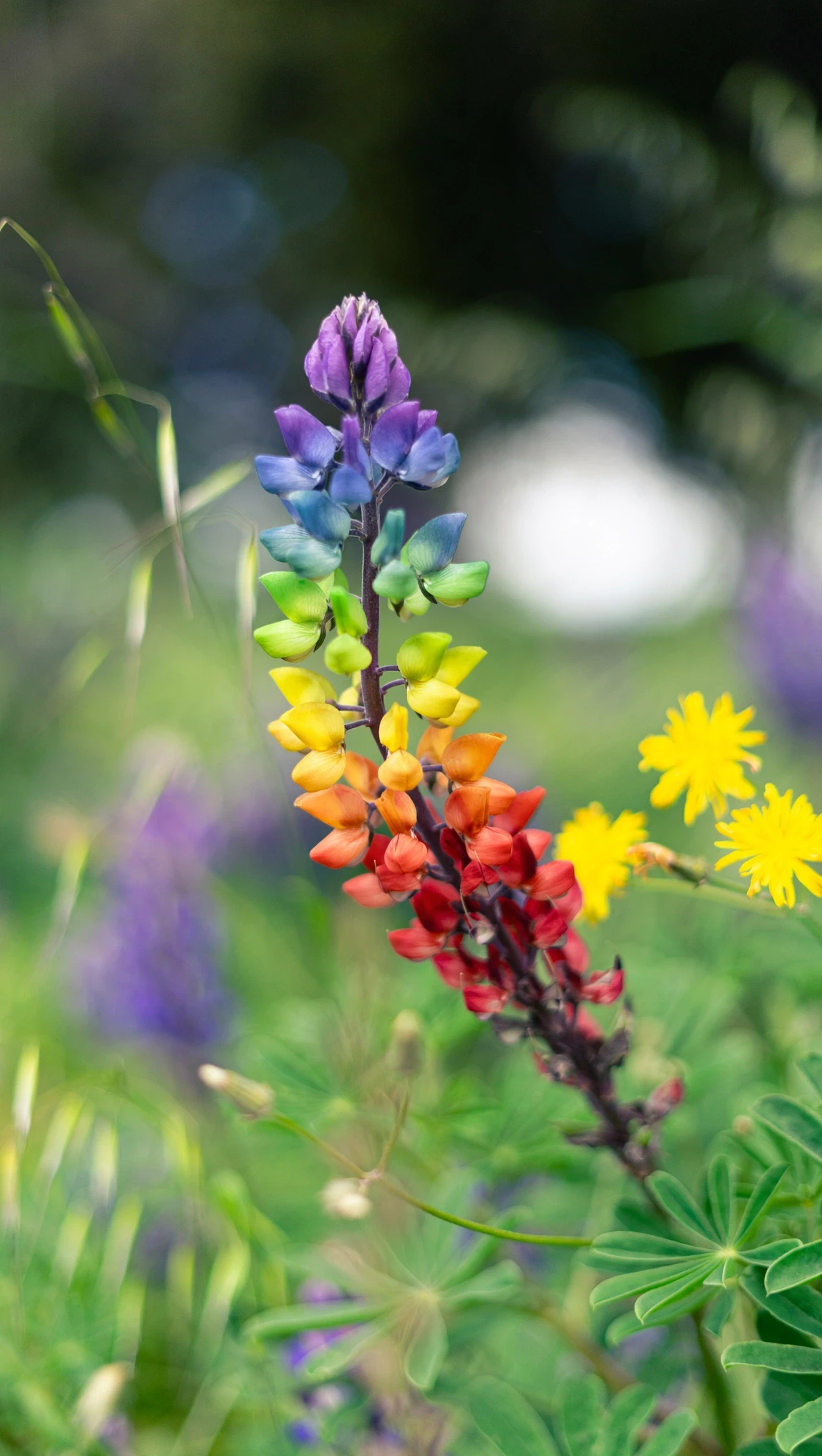
A localized fashion edit that turns the garment into a floral construction while preserving the pose and art direction.
Meta's examples combine subject, styling, space, and art-direction references into a coherent result.
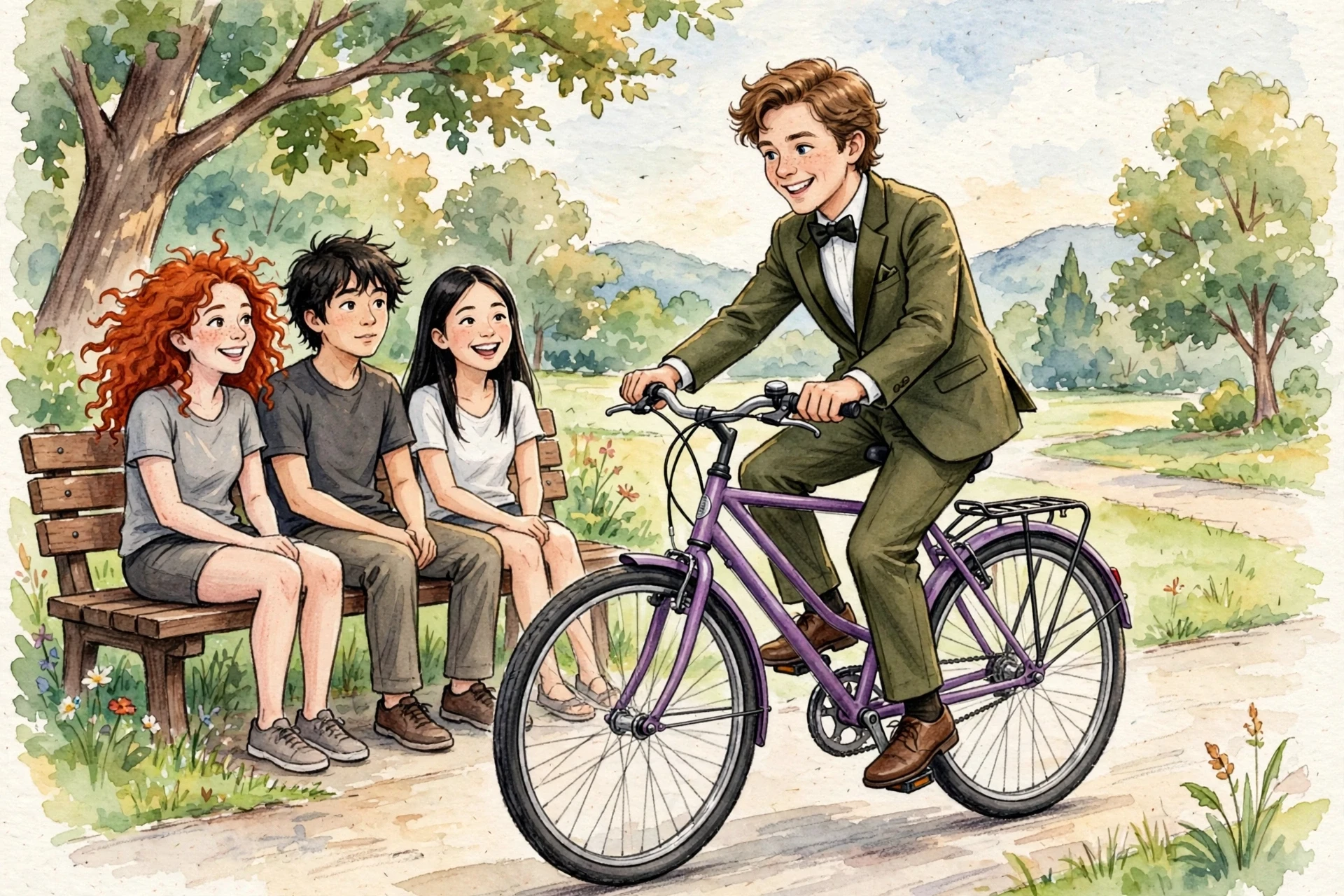
A single fashion portrait shaped by identity, clothing, pose, lighting, and visual-style references.
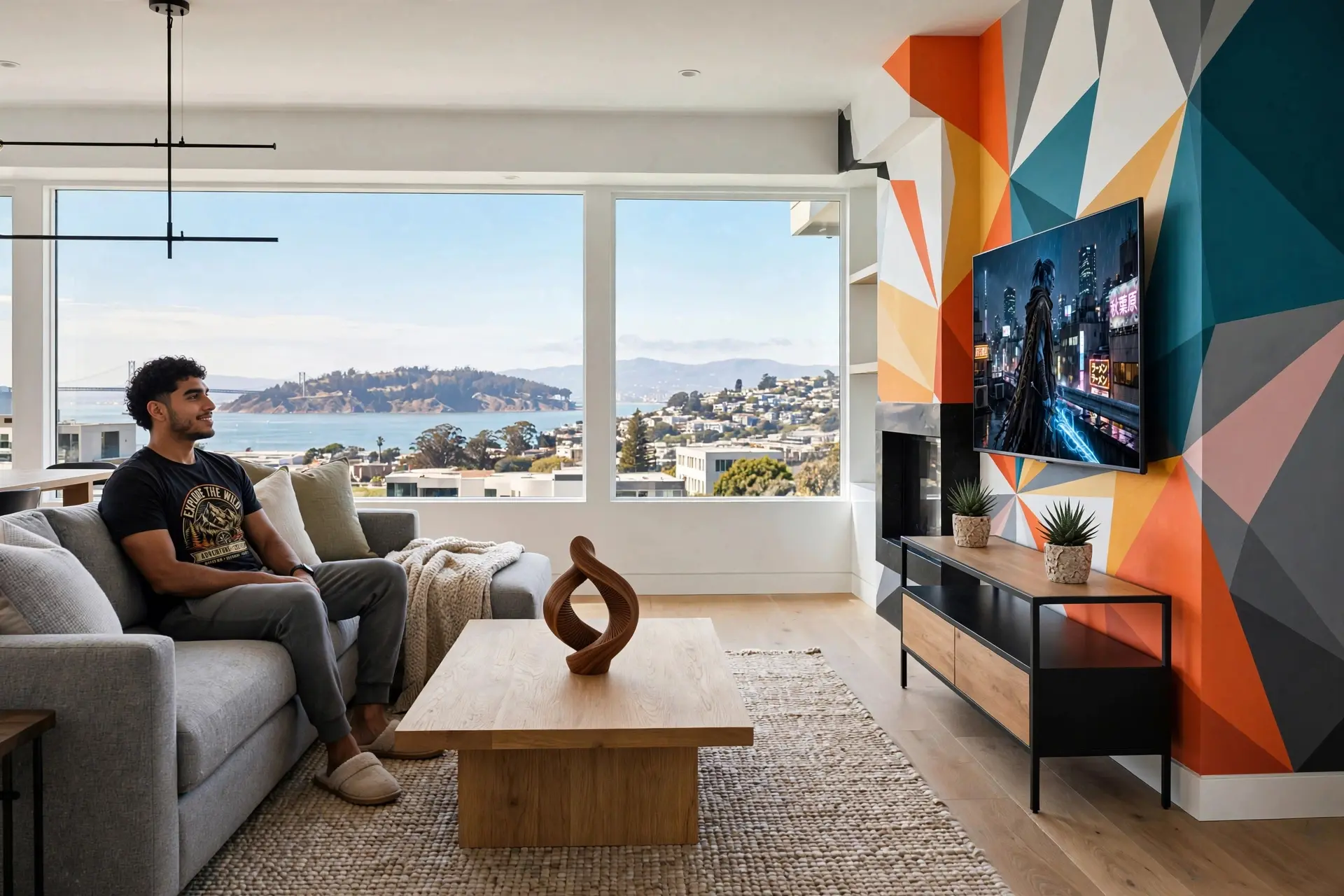
A room concept assembled from spatial, material, furniture, and atmosphere references.
Three official samples show cinematic character work, creator-style vertical footage, and commercial product storytelling.
A polished character sequence with camera movement, physical action, and synchronized sound design.
A mobile-first lifestyle sequence with natural pacing and the visual language of creator content.
A tightly art-directed advertising sequence built around product detail, motion, and sound.
All media in this section is cached from Meta's official Muse announcement for editorial reference.
View the original announcementCreate a visual draft
Use the ImageMuse studio to explore text-to-image, image-to-image, text-to-video, or image-to-video. Results and availability are provided by ImageMuse, not Meta AI.
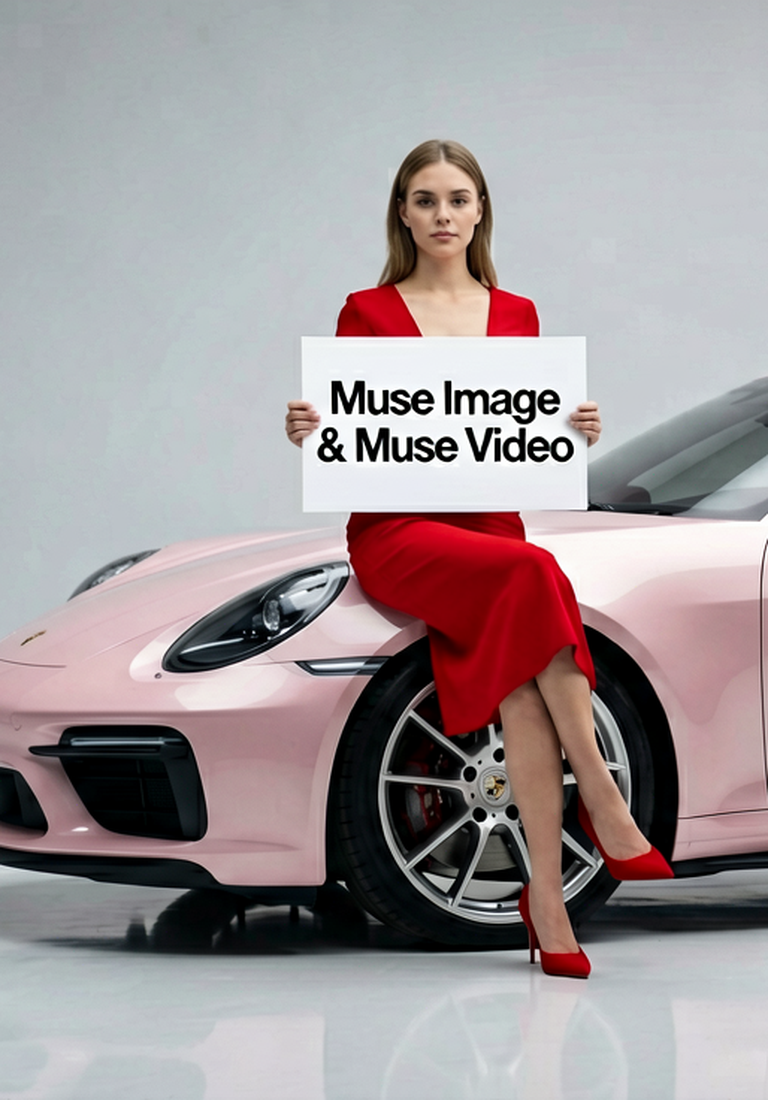
Create AI images, edit references, draft text-to-video prompts, and animate image-to-video ideas while Muse Image and Muse Video work in one studio.
Create visual references for Muse Video-style scenes before turning them into motion.
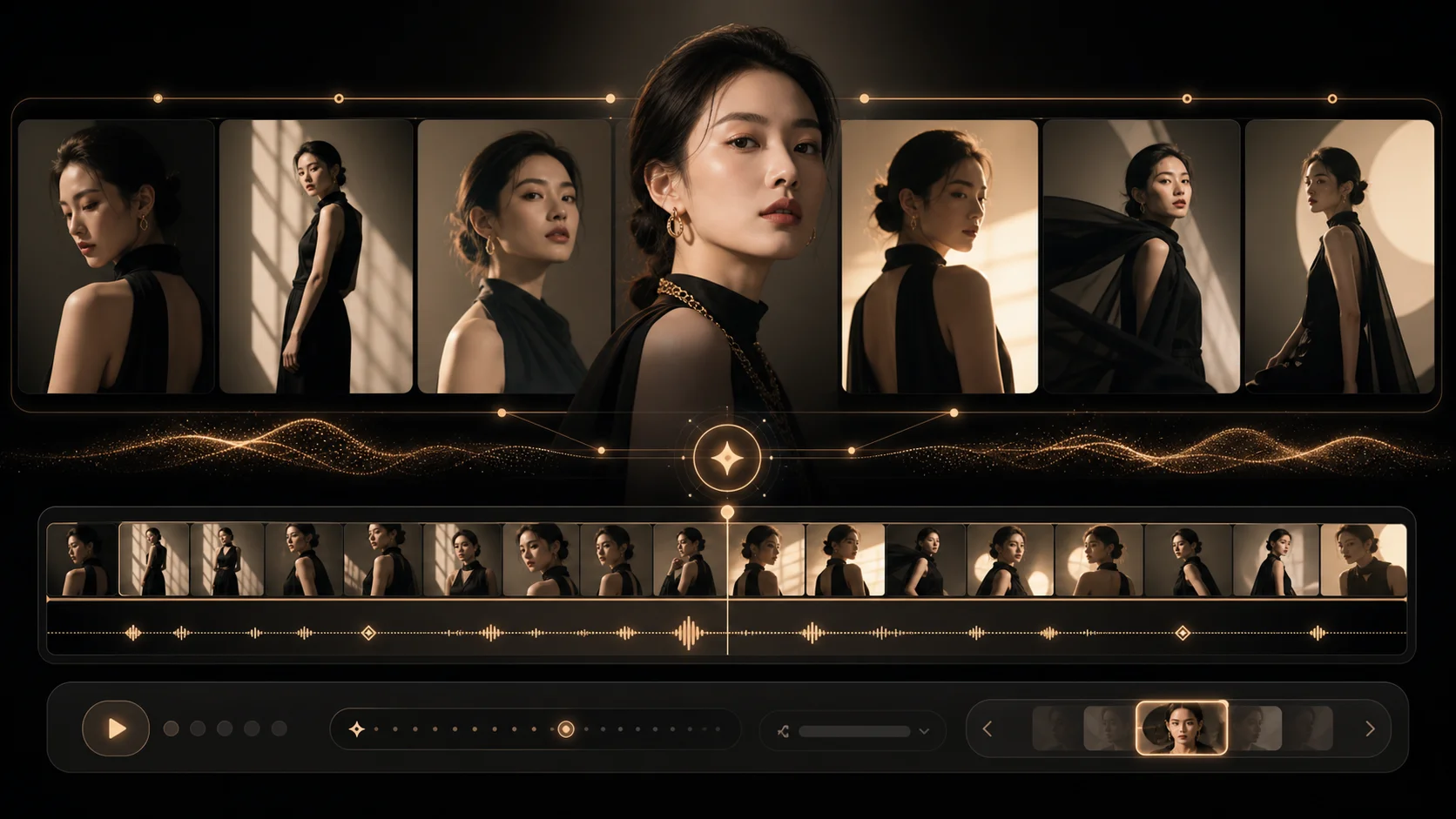
Example Gallery
See sample outputs for Text to Image in the Muse workspace.
Meta AI FAQ
Meta introduced Muse Image in July 2026 as a media model focused on instruction following, precise edits, multi-reference composition, and tool-assisted generation. See the official announcement for Meta's product availability details.
No. ImageMuse is an independent creative workspace. This guide explains the public Meta AI Muse announcement, while the creator below runs through ImageMuse's own generation workflow.
Yes. The creator supports image and video draft workflows inside ImageMuse. Select a mode, enter a prompt or reference image, then generate with your available credits.